Finance · iPhone & iPad
Money Manager & Budget Expense
A private budget tracker that knows what is safe to spend today.
Download on the App StoreRequires iOS 26.0+
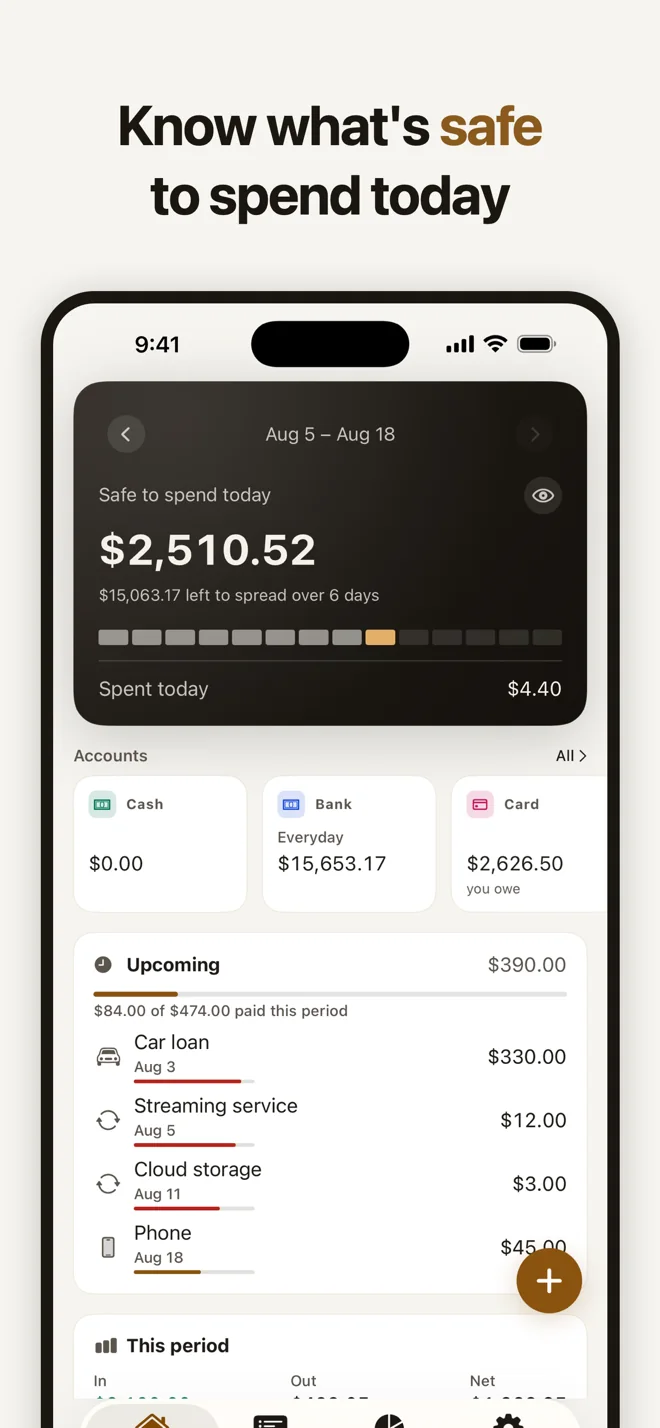
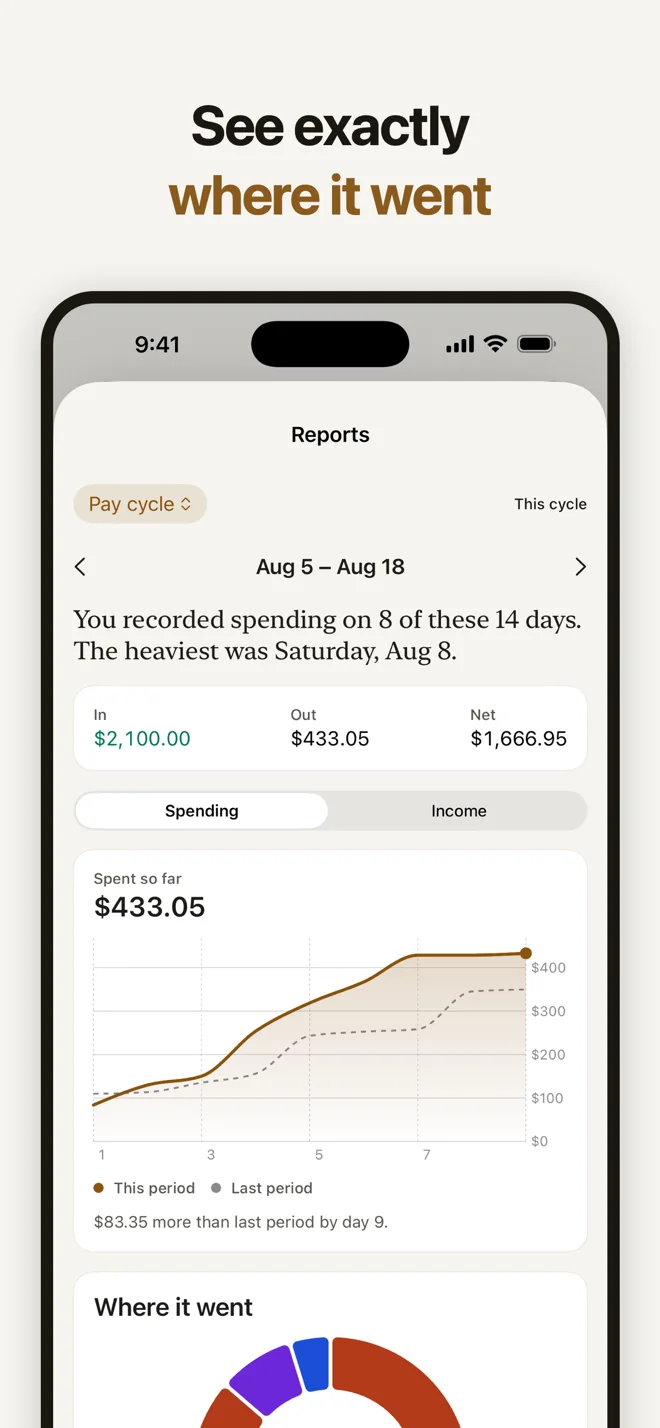
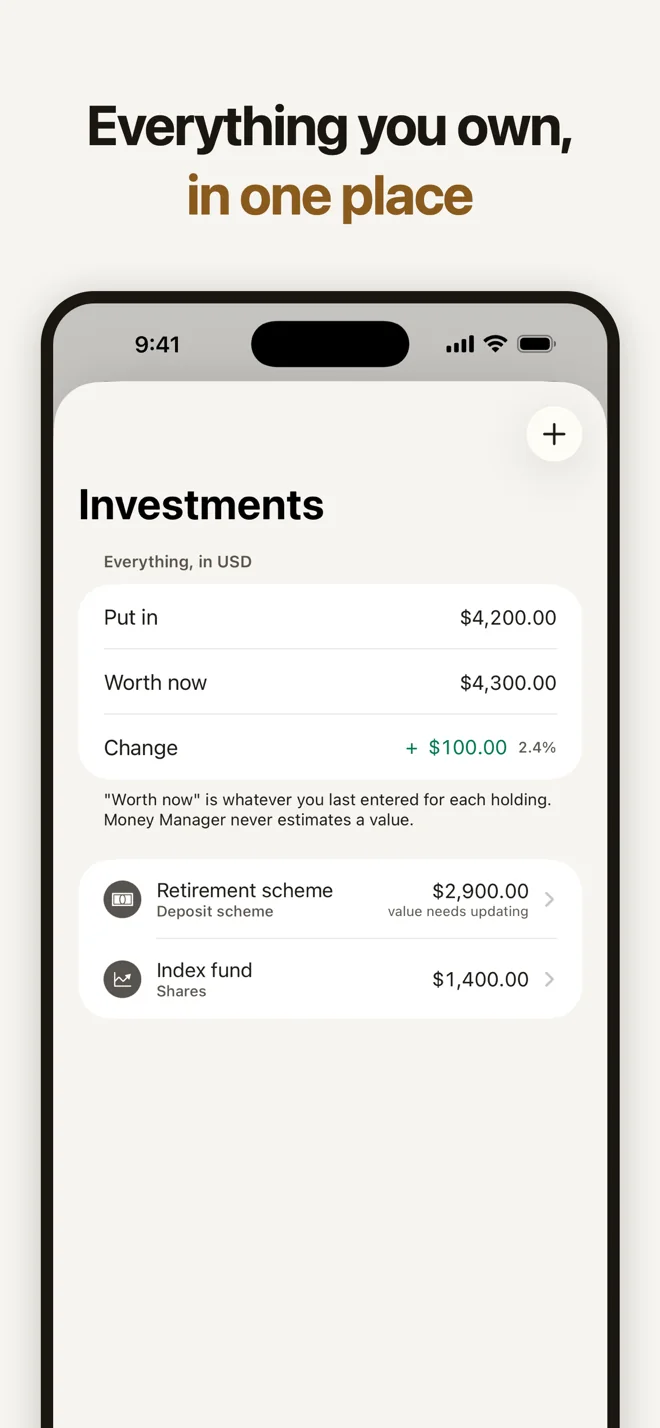
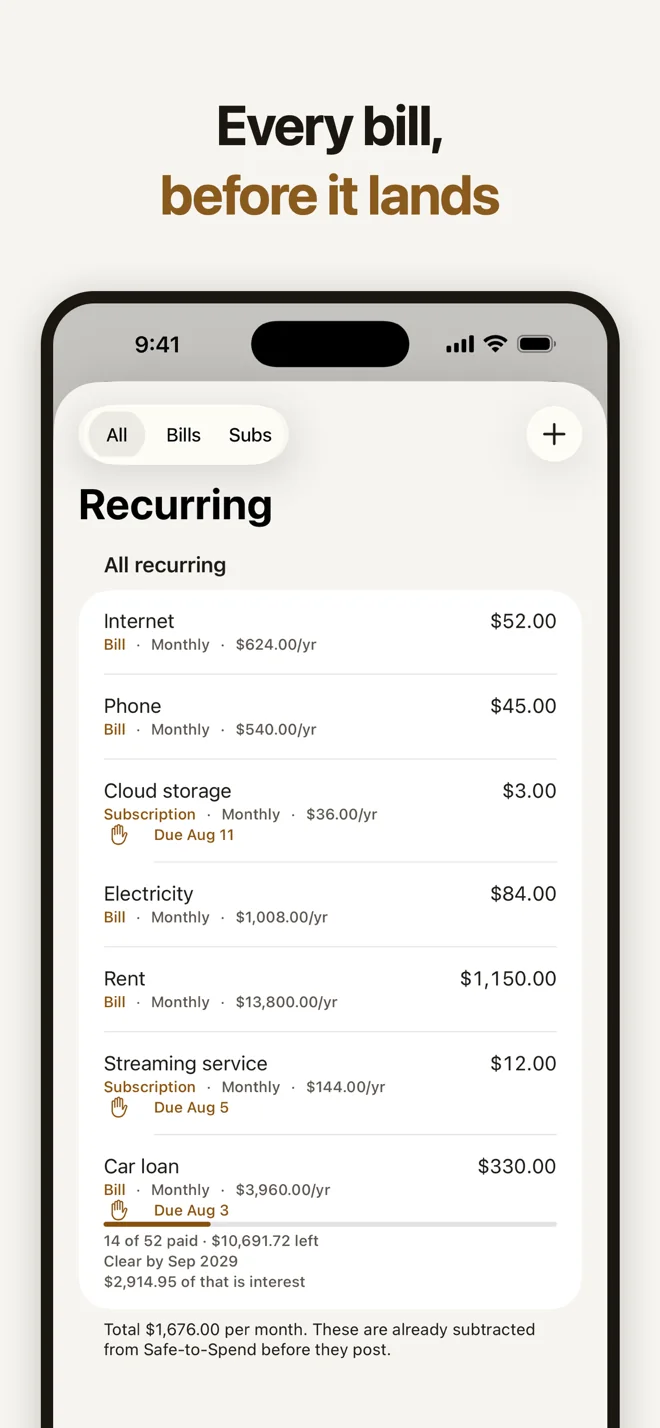
Money Manager is a budget tracker and expense manager for everyday spending. Track money in and out, plan a budget, stay on top of bills and see where your cash goes — with no ads, no account, and your records kept in your own iCloud.
What it does
Safe to spend today
One figure that shows what is genuinely left for today after your bills and savings target.
Track in seconds
Add an expense in a couple of taps, or scan a receipt — the total and date are read on your device.
Bills that wait for you
Weekly, monthly, yearly or custom repeats. Nothing is ever posted behind your back; every charge waits for your confirmation.
Budgets and goals
Category or overall budgets that fill as the month runs, savings goals, and one net-worth figure across every account.
Any currency
Your currency is detected from your region, and every total is converted to your primary currency.
Reports you can keep
Charts by category, month and year, period comparisons, PDF export and CSV import.
Who it is for
People who want a clear daily budget without handing their bank login, or their data, to anyone.
Price
Free forever for unlimited transactions, categories, bills and iCloud sync. Optional Pro: $4.99/month, $34.99/year (first 3 days free) or $109.99 once for lifetime. US prices; they may differ by region.
Privacy
- No ads, ever
- No analytics, no tracking, no third-party SDKs
- No account and no sign-up
- Syncs through your own iCloud — nobody else can read it
- Face ID or PIN lock
Use it as
budget appbudget trackerexpense trackerspending trackermoney managerbudget plannermonthly budget plannerbill trackersubscription trackerfinance trackermoney trackersavings goal trackernet worth trackerreceipt scannerpersonal finance apphousehold budget appfamily budget apptravel budget appmulti-currency expense trackerbudget app without bank loginfree budget app with no ads
Questions
Is Money Manager really free?
Yes, for unlimited transactions, categories, bills, subscriptions, lending, iCloud sync, widgets and Face ID lock. Pro adds unlimited reports, accounts, budgets and receipt scans.
I keep overspending. Is there an app that tells me how much I can spend today?
Yes. Money Manager's home screen shows 'Safe to spend today' — what is genuinely left after your bills and savings target, spread over the days until payday.
What's a good app to track my spending that doesn't need my bank account?
Money Manager. You add purchases yourself in a couple of taps — no bank login, no account — and your records sync privately through your own iCloud.
Does Money Manager have ads?
No. There are no ads, ever, and no analytics or third-party tracking SDKs.
Do I need to create an account or link my bank?
No. There is no account and no bank login. You enter your own transactions, and your records sync through your own private iCloud.
What is free and what is Pro?
Unlimited transactions, categories, bills, subscriptions, lending and loans, iCloud sync, widgets, Face ID lock and CSV import are free. Pro adds unlimited reports and PDF export, unlimited accounts, budgets and goals, unlimited receipt scanning and daily exchange rates.
Will it add my recurring bills automatically?
No. Recurring bills and subscriptions are tracked and shown as due, but nothing is posted until you confirm it.
Does it work with my currency?
Yes. Your currency is detected from your region, and you can hold accounts in other currencies, with rates fetched online or set by hand.
Guides
- The complete guide to budgeting: everything in one place
- How to make a budget that actually works (step by step)
- How to track your expenses (daily and monthly) without it becoming a chore
- Free monthly budget template (printable and CSV)
- What is zero-based budgeting, and how do you do it?
- The 50/30/20 budget rule explained (with examples)
- How envelope budgeting works (and how to do it without cash)
- How to create a family budget (and keep everyone on board)
- Budget apps that don't connect to your bank: why, and how to choose
- What to look for in a free budget app with no ads
- How to budget when you're paid every two weeks
- How to save money each month: practical ways that last
- How to find and track all your subscriptions
- How much can I spend today? Working out a daily spending limit
- How to keep track of money you lent (or borrowed) from friends
- How to budget for a trip (and track spending in foreign currency)